Creating a Polyester account deploys a smart wallet on Polyester Chain and sets the user's chosen wallet or login as its owner.
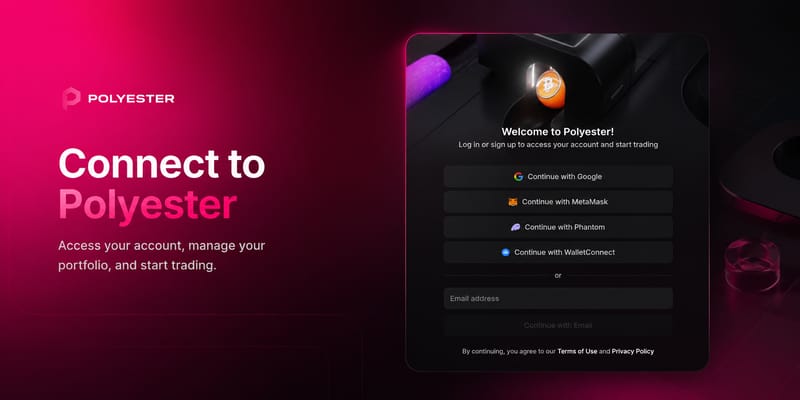
Choosing Your Authentication Method
Not sure which to pick? See Authentication Methods for a full breakdown.
Redirects to a Google OAuth page to select and confirm a Google account. Turnkey generates a non-custodial wallet in the background. No private key management required.
Connect directly using the MetaMask or Phantom browser extension. Sign a gas-less message to authenticate. No transaction is broadcast and no gas is required.
Connect any compatible wallet app by scanning a QR code or using a deep link. The wallet signs a gas-less message on the device. No private keys are shared. Works with Rabby, Trust Wallet, Rainbow, and many others.
Enter an email address and confirm with a one-time verification code. Turnkey generates a non-custodial wallet in the background. No private key management required.
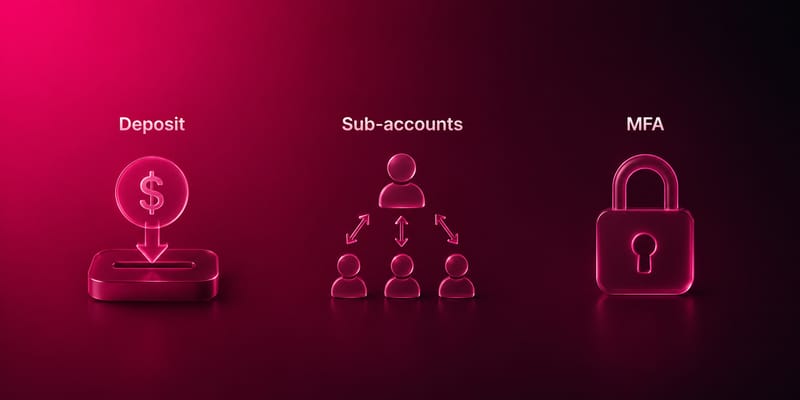
Next Steps
- Deposit funds. Add assets to start trading, lending, or using vaults. See Deposit Funds.
- Secure your account. Set up MFA to protect withdrawals, whitelist changes, and key management. See MFA.
- Create subaccounts. Separate strategies, run API bots, or delegate access with isolated subaccounts. See subaccounts.