Polyester supports two categories of authentication: connecting a self-custodied wallet directly, or signing in through Turnkey. Both result in the same account structure: a non-custodial smart wallet on Polyester Chain.
Wallet Login
Self-custodied. The user's existing EOA connects directly and becomes the owner of the smart wallet.
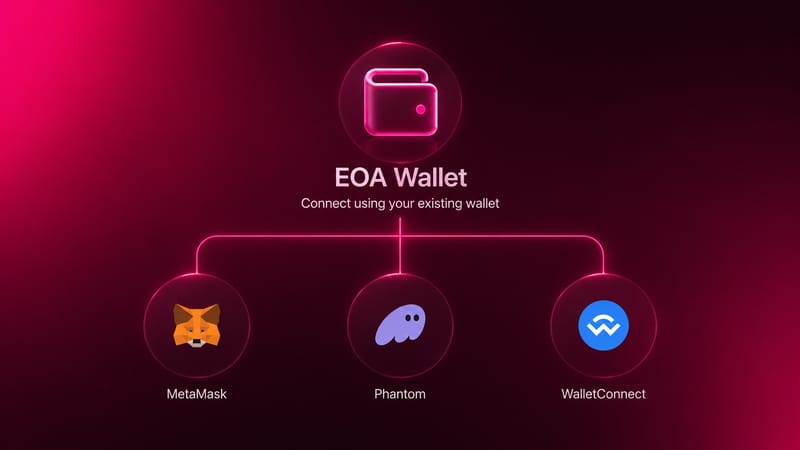
Connecting a self-custodied wallet opens a signing prompt in the wallet application. No transaction is broadcast and no gas is required.
Connect a MetaMask wallet and sign a gas-less message to authenticate.
Connect a Phantom wallet and sign a gas-less message to authenticate.
Connect any WalletConnect-compatible wallet and sign a gas-less message to authenticate. Compatible wallets include: Phantom, Trust Wallet, OKX, Binance Web3 Wallet, Bitget Wallet, Zerion Wallet, Rabby, Rainbow, Exodus, Crypto.com DeFi Wallet, Uniswap Wallet, 1inch Wallet, Brace Wallet, Robinhood Wallet, Blockchain.com Wallet, and more.
Social / Email Login
Provided by Turnkey. Turnkey generates and secures an EOA that becomes the owner of the smart wallet assigned to the account during creation.
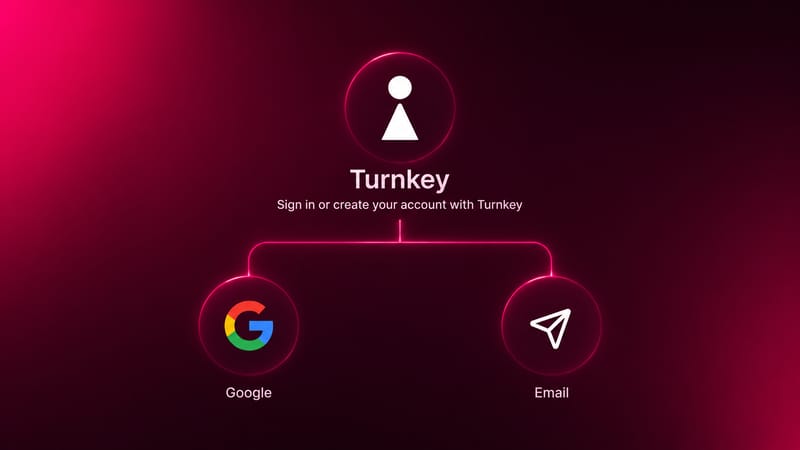
No wallet or browser extension is needed for either method.
Opens a Google OAuth page where the user selects a Google account and confirms the connection to Polyester.
Sends a verification code to the provided email address; entering the code completes sign-up or sign-in.
In both cases, the login method authenticates access to a Turnkey-managed EOA. See Turnkey for details on how this works.
What Stays the Same Regardless of Method
The authentication method does not affect how the account works once created:
- Same account structure: non-custodial smart wallet on Polyester Chain
- Same assets, permissions, and subaccount behavior
- Same session duration (4-hour default)
- No functional capability differences between Turnkey and self-custodied accounts